

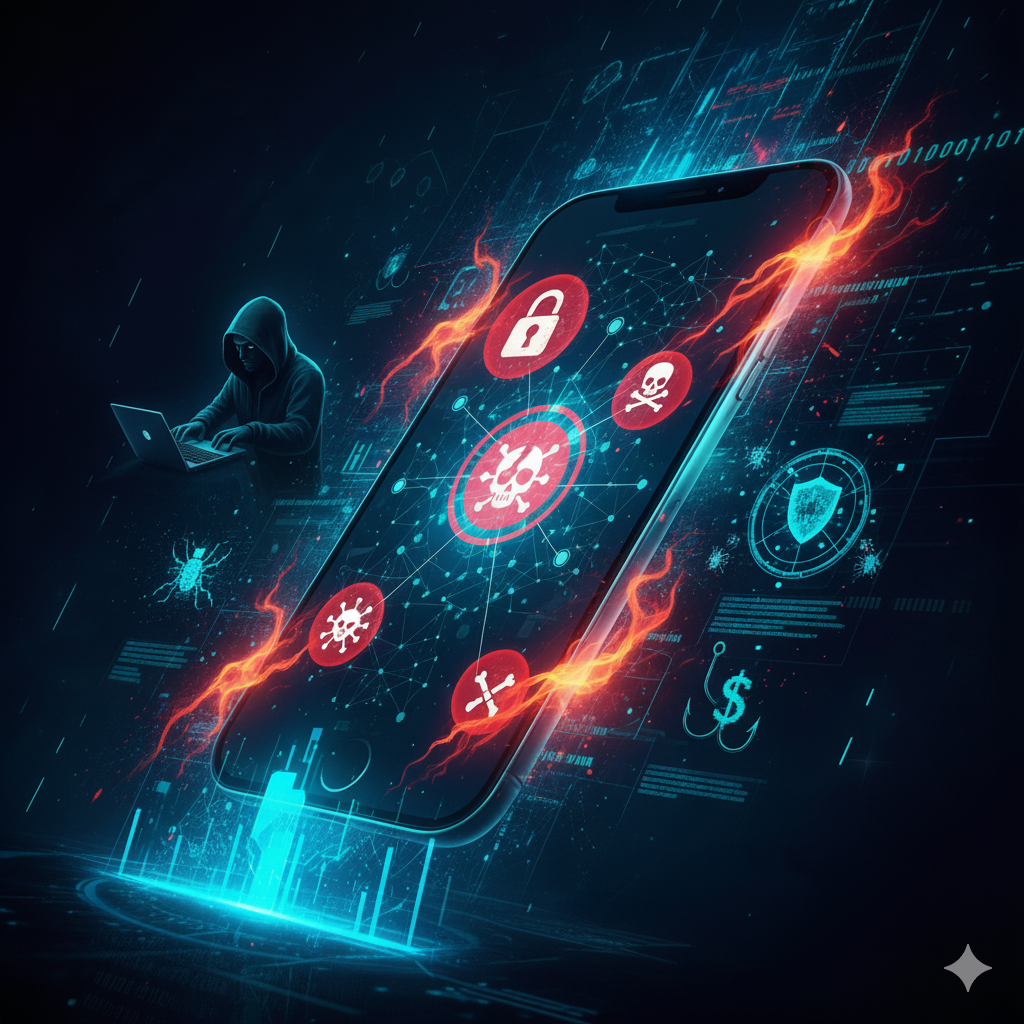
Our smartphones have become mini-computers that store everything — banking apps, social media, health data, office emails, and even personal memories. According to recent studies, more than 60% of digital fraud now originates from mobile platforms. That makes mobile devices a prime target for cybercriminals.
Common Mobile Security ThreatsMalicious Apps
- Cybercriminals create fake apps that look legitimate but secretly harvest your personal data.
- Example: A “free flashlight app” requesting access to contacts, camera, and location is a red flag.
Public Wi-Fi Risks
- Hackers set up “evil twin” Wi-Fi hotspots that look like free café Wi-Fi but are designed to steal data.
- Once connected, attackers can intercept passwords, emails, and even bank details.
Smishing (SMS Phishing)
- Attackers send text messages with malicious links, urging users to “verify their account” or “claim a reward.”
- Example: Messages pretending to be from your bank asking you to click a link.
Mobile Ransomware
- Malicious software that encrypts your files and demands payment.
- Victims often panic because phones hold personal photos and important documents.
App Permission Exploits
- Many apps ask for unnecessary permissions. Granting these can give apps access to your microphone, GPS, and camera — a direct invasion of privacy.
SIM Swapping Attacks
- Hackers trick telecom providers into transferring your phone number to a new SIM card.
- Once done, they can bypass two-factor authentication and access bank accounts
How to Protect Your Mobile Devices
- Download Wisely: Only install apps from official app stores (Google Play, App Store).
- Check App Permissions: Review permissions carefully. Why should a calculator app need microphone access?
- Use Biometric & Two-Factor Authentication: Fingerprints, Face ID, and OTPs make hacking harder.
- Avoid Public Wi-Fi Without a VPN: Always use a Virtual Private Network when connecting outside trusted networks.
- Keep Software Updated: Regular updates fix security loopholes.
- Install Mobile Security Apps: Antivirus and anti-malware apps provide real-time protection.
- Backup Data: Regularly back up your photos, files, and contacts to the cloud or external storage.
The Future of Mobile Security
Mobile devices are becoming central to digital identity. With mobile banking, contactless payments, and smart-home controls, losing phone security could mean losing control over your financial and personal life.
Emerging trends to watch:
- AI-Powered Threat Detection: AI will predict and block malicious activity before it spreads.
- Zero-Trust Authentication: Phones will require multi-layered verification beyond passwords.
- 5G Security Challenges: Faster networks will bring new attack surfaces for hackers.
Real-World Case Study
In 2020, a European bank reported that hackers used deepfake audio combined with SIM-swapping to impersonate a company executive. Employees were tricked into transferring $243,000 — all through mobile compromise.
This incident highlights that mobile devices are not just personal gadgets but corporate assets.
Final Thoughts
Mobile phones are treasure chests of data. A single weak password, a careless click on a phishing link, or downloading a shady app can open the door for cybercriminals.
💡 Key Takeaway: Your smartphone is more valuable than your wallet. Treat it with the same caution — lock it, protect it, and be mindful of where and how you use it.


