

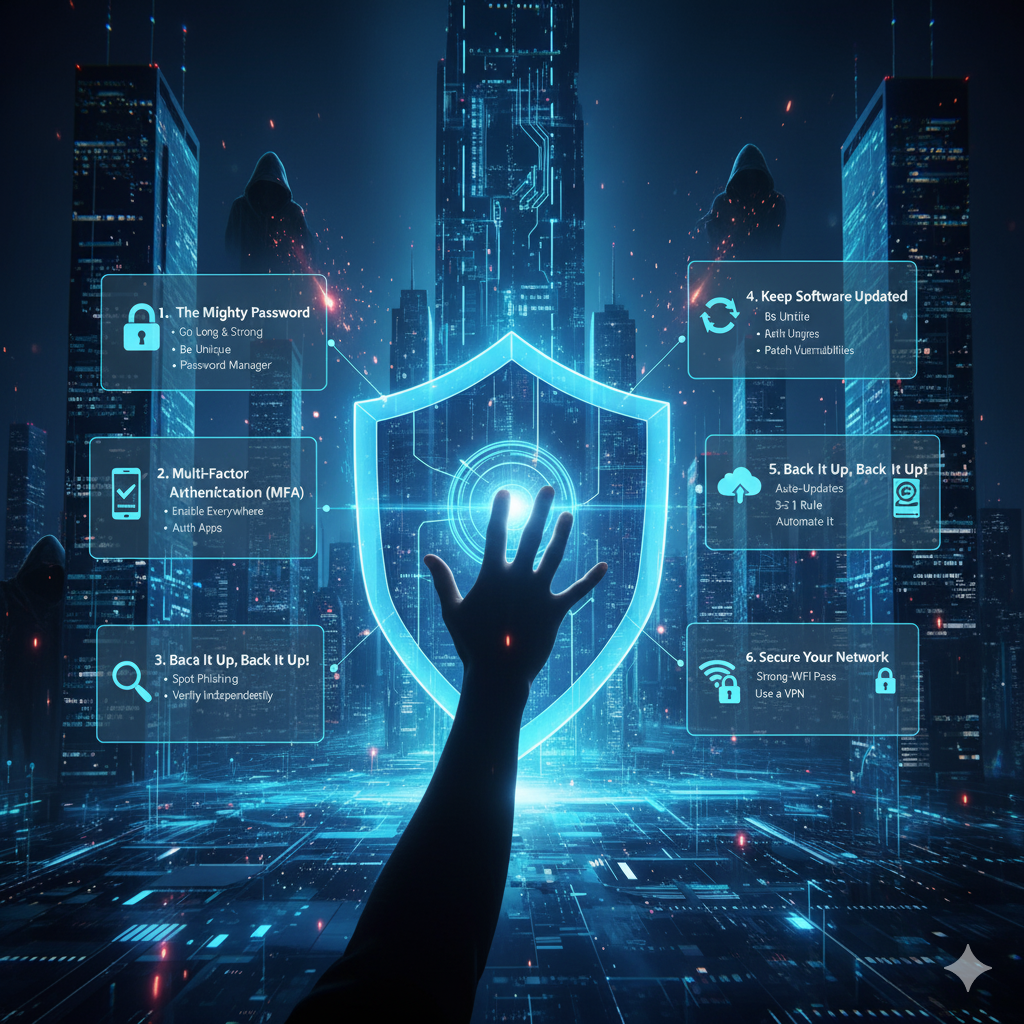
In today’s interconnected world, cybersecurity isn’t just an IT department’s concern; it’s a personal responsibility for everyone. From protecting your personal photos to securing your banking information, being digitally vigilant is non-negotiable. The good news is that strong cybersecurity doesn’t require a computer science degree. By adopting a few fundamental practices, you can significantly fortify your digital fortress.
1. The Mighty Password: Your First Line of Defense
Your password is the key to your digital life. Treat it with respect.
- Go Long and Strong: Aim for at least 12-16 characters. Mix uppercase and lowercase letters, numbers, and symbols.
- Be Unique: Never reuse passwords across different accounts. If one account is compromised, all others are immediately vulnerable.
- Use a Password Manager: These tools generate strong, unique passwords for you and store them securely, requiring you to only remember one master password.
- Avoid the Obvious: Forget birthdates, pet names, or “password123”. Hackers know these tricks.
2. Multi-Factor Authentication (MFA): Your Digital Bodyguard
Even the strongest password can be stolen. MFA adds an extra layer of security, making it exponentially harder for attackers to gain access.
- What it is: MFA requires you to verify your identity using two or more different factors (e.g., something you know – your password, something you have – your phone, or something you are – your fingerprint).
- Enable It Everywhere: Whenever available, turn on MFA for your email, banking, social media, and critical online services. Authentication apps (like Google Authenticator, Authy) are generally more secure than SMS codes.
3. Be a Skeptic: The Art of Spotting Scams (Social Engineering)
Most breaches start not with complex code, but with human error. Be wary and learn to spot common traps.
- Phishing Emails/Texts: Look for grammatical errors, suspicious sender addresses, urgent demands, or links that don’t match the sender’s actual website when hovered over.
- Unexpected Attachments: Never open attachments from unknown senders, especially if they end in
.exe,.zip, or macros-enabled documents. - Too Good to Be True: Offers that seem unbelievably generous usually are. Scammers play on emotions like fear and greed.
- Verify Independently: If you receive a suspicious email from a bank or service, don’t click the links. Instead, go directly to their official website or call them using a publicly listed number.
4. Keep Your Software Updated: Patch Your Vulnerabilities
Software developers constantly release updates, and many of these are critical security patches.
- Operating Systems: Enable automatic updates for Windows, macOS, iOS, and Android.
- Applications: Keep your web browsers (Chrome, Firefox, Edge), antivirus software, and other critical applications up to date. Outdated software is a common entry point for malware.
5. Back It Up, Back It Up, Back It Up!
Data loss can be devastating, whether due to a hardware failure, ransomware attack, or accidental deletion.
- The 3-2-1 Rule: Keep at least 3 copies of your data, store them on 2 different types of media, and keep 1 copy offsite (e.g., cloud backup, external hard drive stored elsewhere).
- Automate It: Use cloud services (Google Drive, OneDrive, Dropbox) or external hard drive software for automatic backups.
6. Secure Your Network: Home & Public Wi-Fi
Your internet connection is a potential gateway.
- Home Wi-Fi: Change the default password on your router, use WPA3 or WPA2 encryption, and consider creating a separate guest network.
- Public Wi-Fi: Be extremely cautious. Avoid conducting sensitive transactions (banking, shopping) on public Wi-Fi networks, as they are often unencrypted and susceptible to snooping. Use a Virtual Private Network (VPN) to encrypt your traffic if you must use public Wi-Fi.
By integrating these simple yet powerful cybersecurity tips into your daily digital habits, you’re not just protecting your data; you’re building resilience against the ever-evolving landscape of cyber threats. Stay vigilant, stay informed, and stay secure!